

Appearance
Add integration to Viskan
Applications in the developer portal are global and can work with any API within the Visma Group. Next step is to add an integration to Viskan.
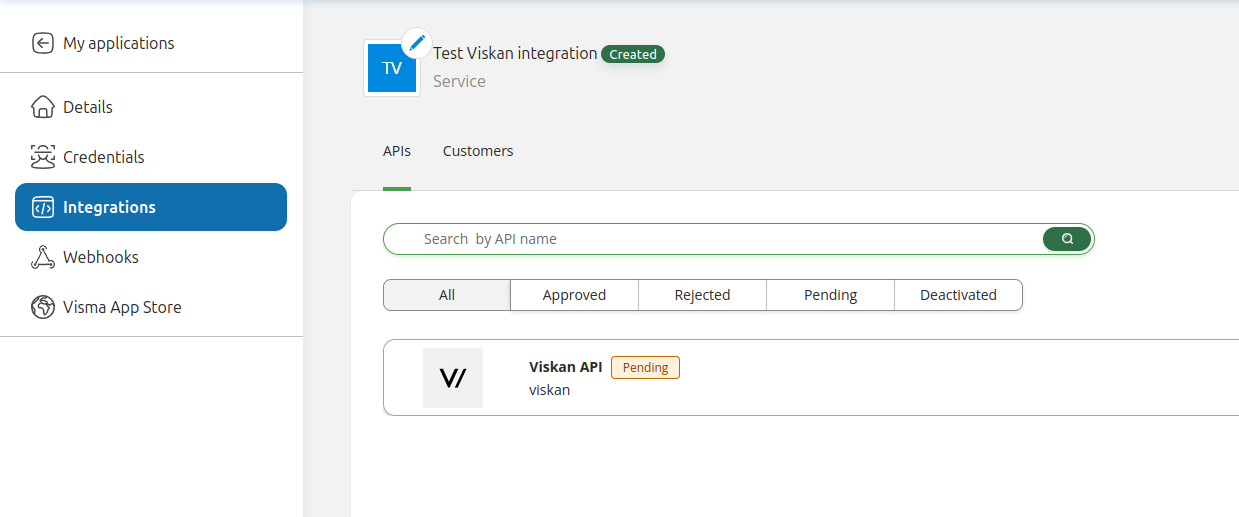
Go to the Integrations tab.
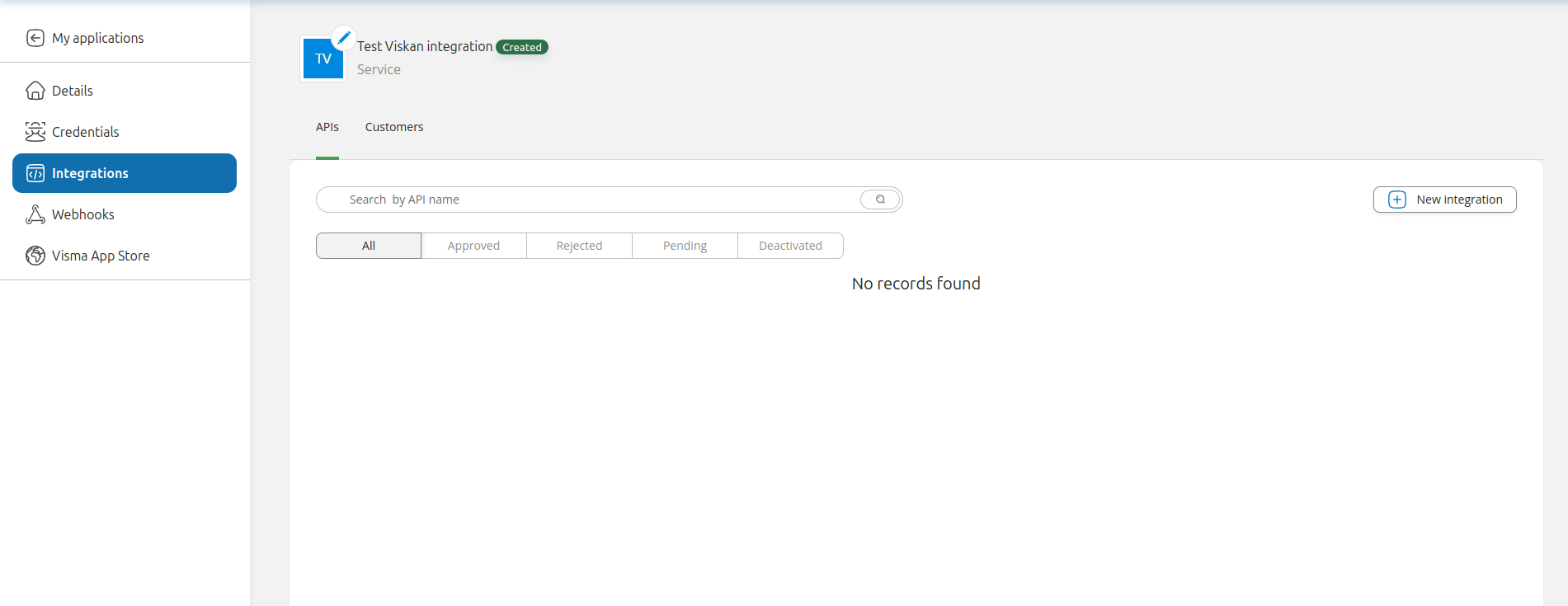
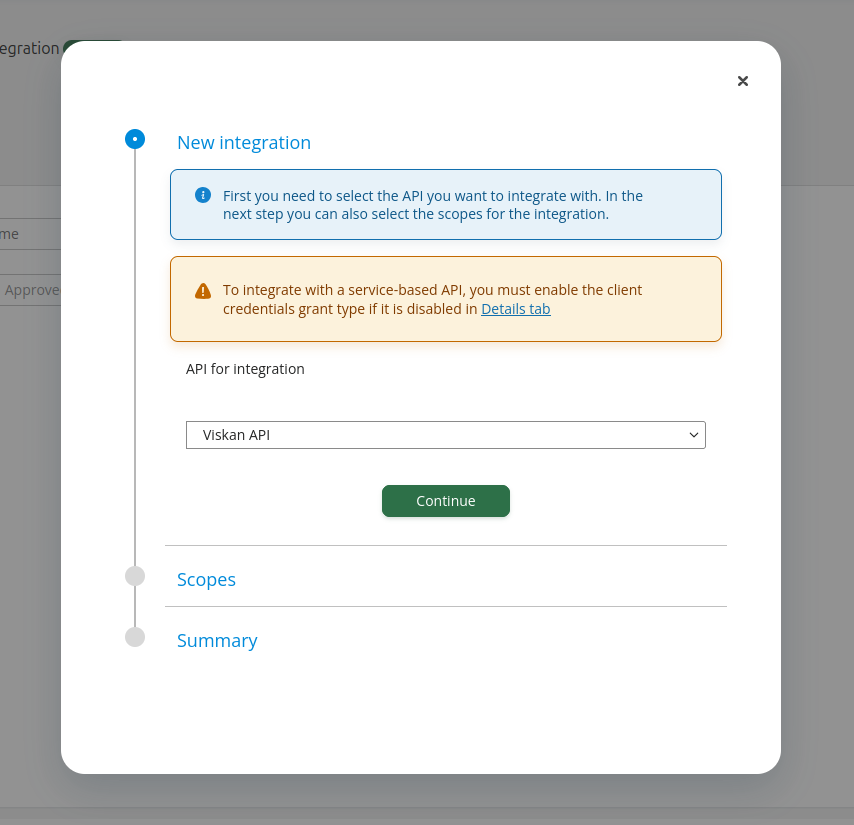
Click New integration, search for "Viskan API" and then click Continue.
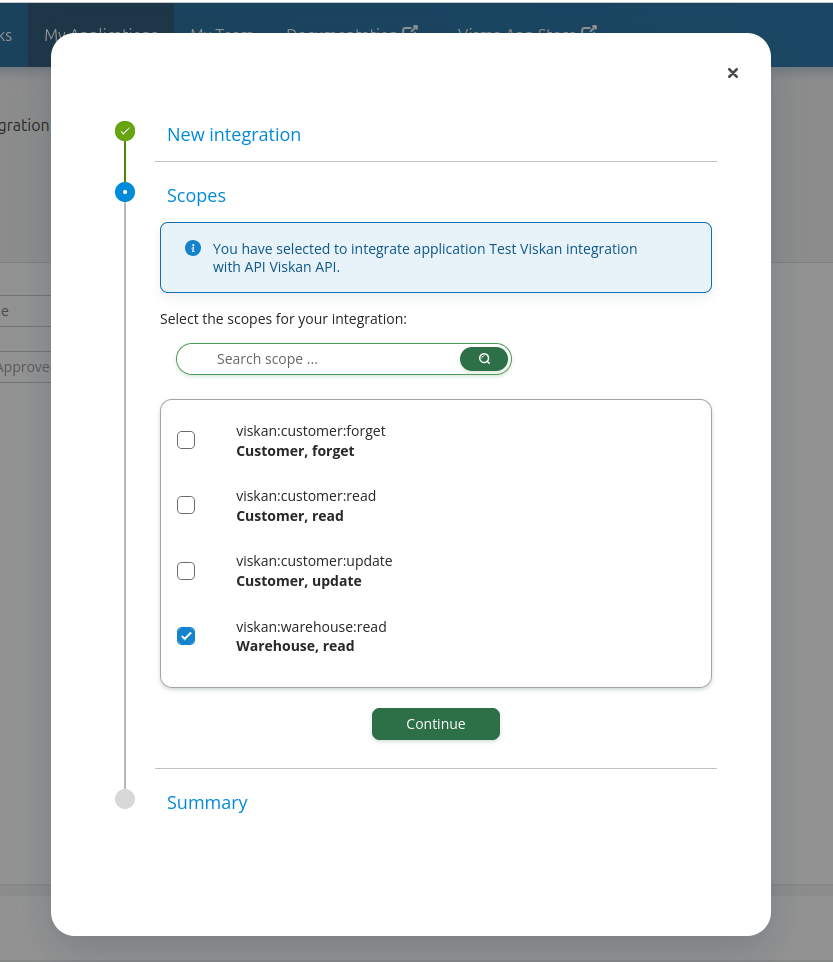
Check the scopes that you would like access to and then click Continue. Note that Viskan needs to approve all the scopes you request, so do not add any scope that you will not need.
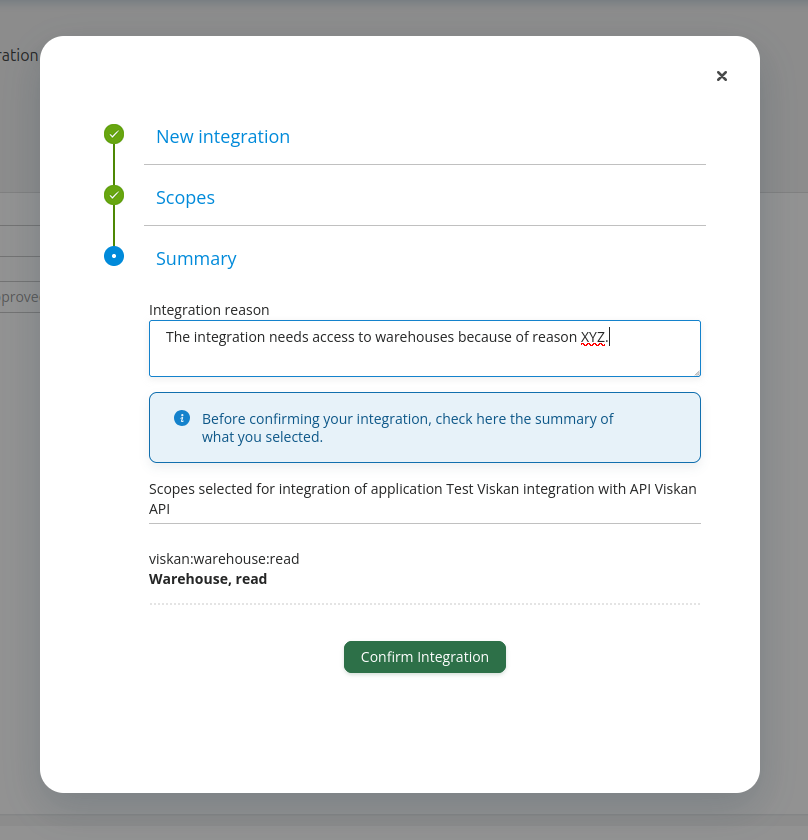
Lastly, you need to write a reason for the integration. Note that Viskan needs to approve all integrations and scopes, so make sure you write something that explains your use case. Then click Confirm integration.
After you’ve pressed Confirm integration, the request for approval will be sent to Viskan which will approve your application. While this approval is taking place the integration will be visible under the Integrations tab with status Pending. Once the integration has been approved the integration will be marked as Approved.
With the integration in place, you can now move on to the next step: "Create API credentials".