

Appearance
Create API credentials
In order to call Viskan API with your new application, you need credentials. The credentials are two parts. First the Client Id that you chose earlier in the Details tab. Then a Client Secret which is used as part of the authentication process.
The client secret is confidential and private to your application, and should never be shared with anyone. No one at Viskan or Visma will ever ask you for your client secret.Go to the Credentials tab.

Click Generate secret. Give it a description so you remember what the secret is for and click Generate secret. A secret should be generated for you and shown in a new window.
When this window is closed, you can never retrieve the secret again, so make sure that you save it somewhere secure.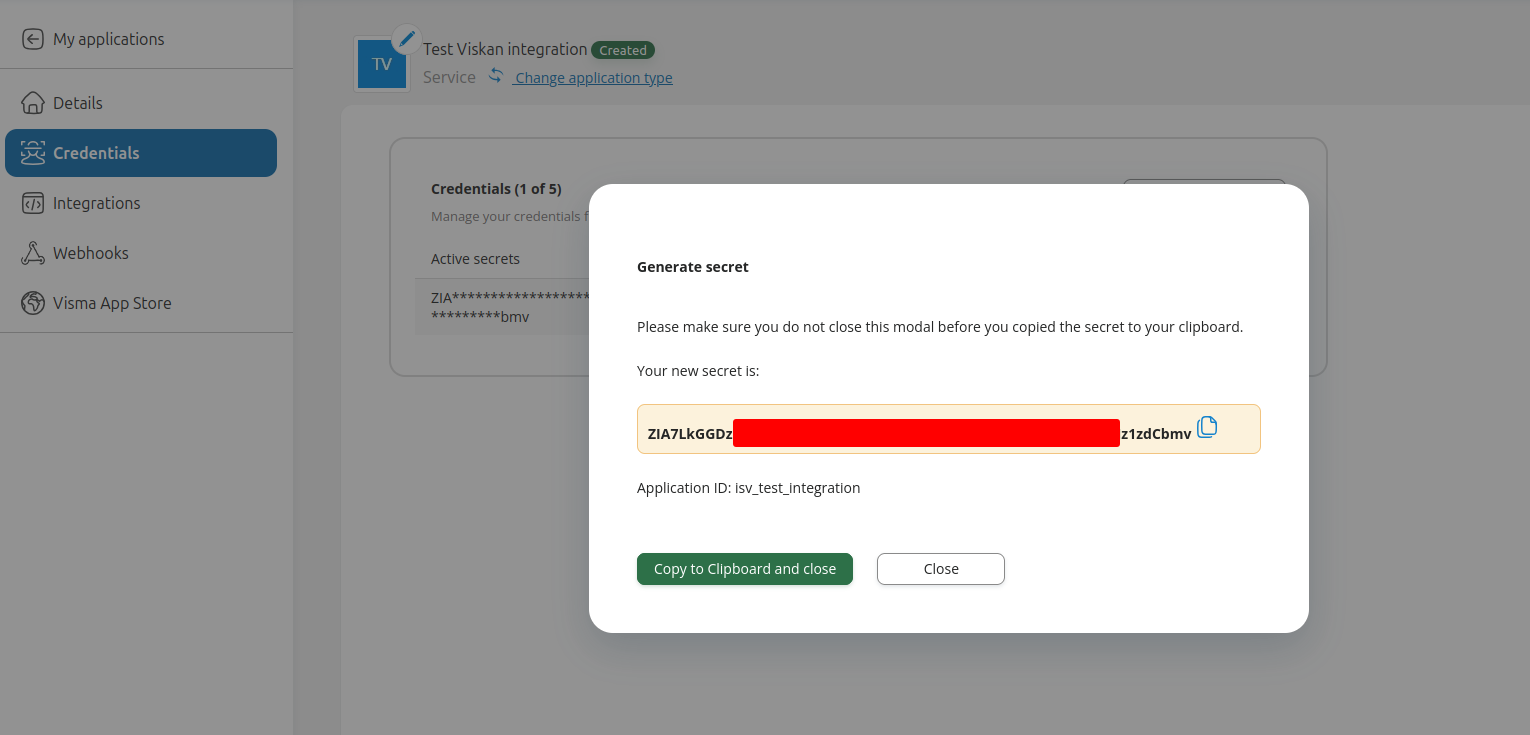
When you've created your credentials, you are now ready to publish your application, which is described in the next step: "Publish your application".