

Appearance
Set up webhook subscription
In Visma Developer Portal, you can set up a webhook subscription to subscribe to different events in Viskan.
If you haven't set up an application yet, please see "Sign up in Visma Developer Portal" and "Create a new application" first.
Log in to Visma Developer Portal at https://oauth.developers.visma.com.
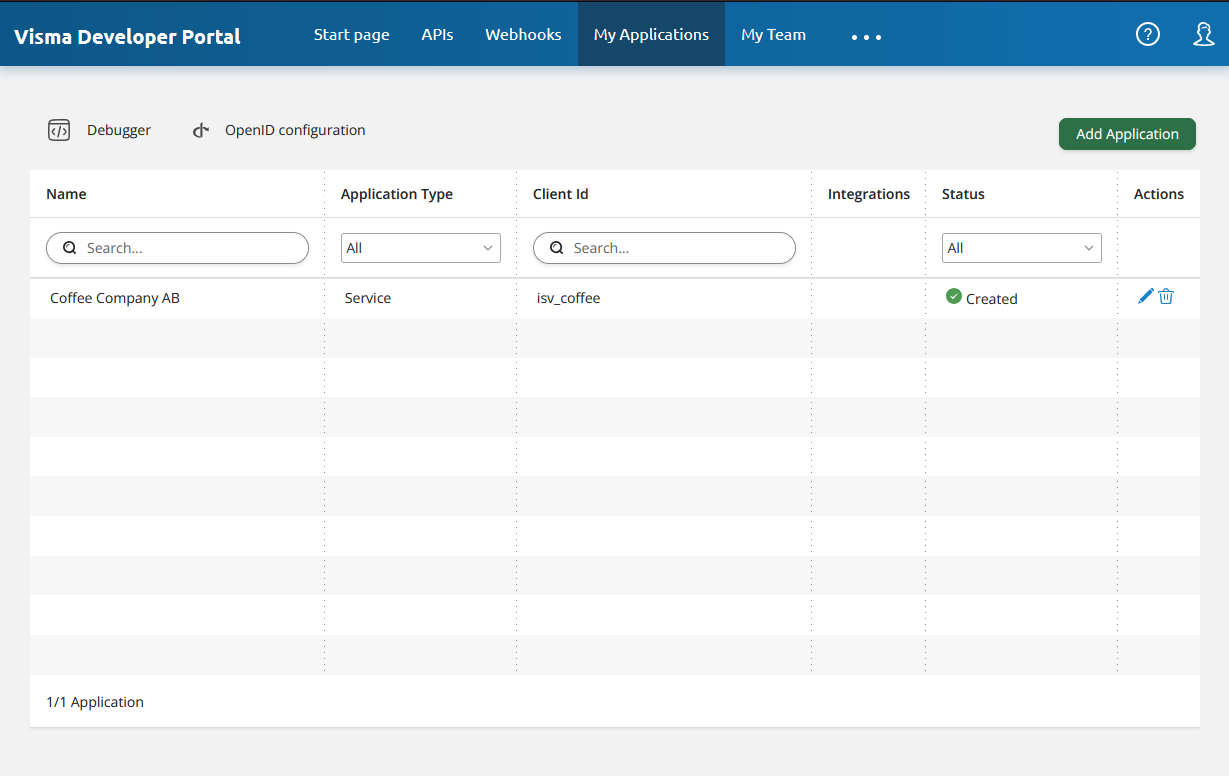
Or the staging environment at https://oauth.developers.stagaws.visma.com.In "My Applications" - select the application you would like to subscribe to the webhook.
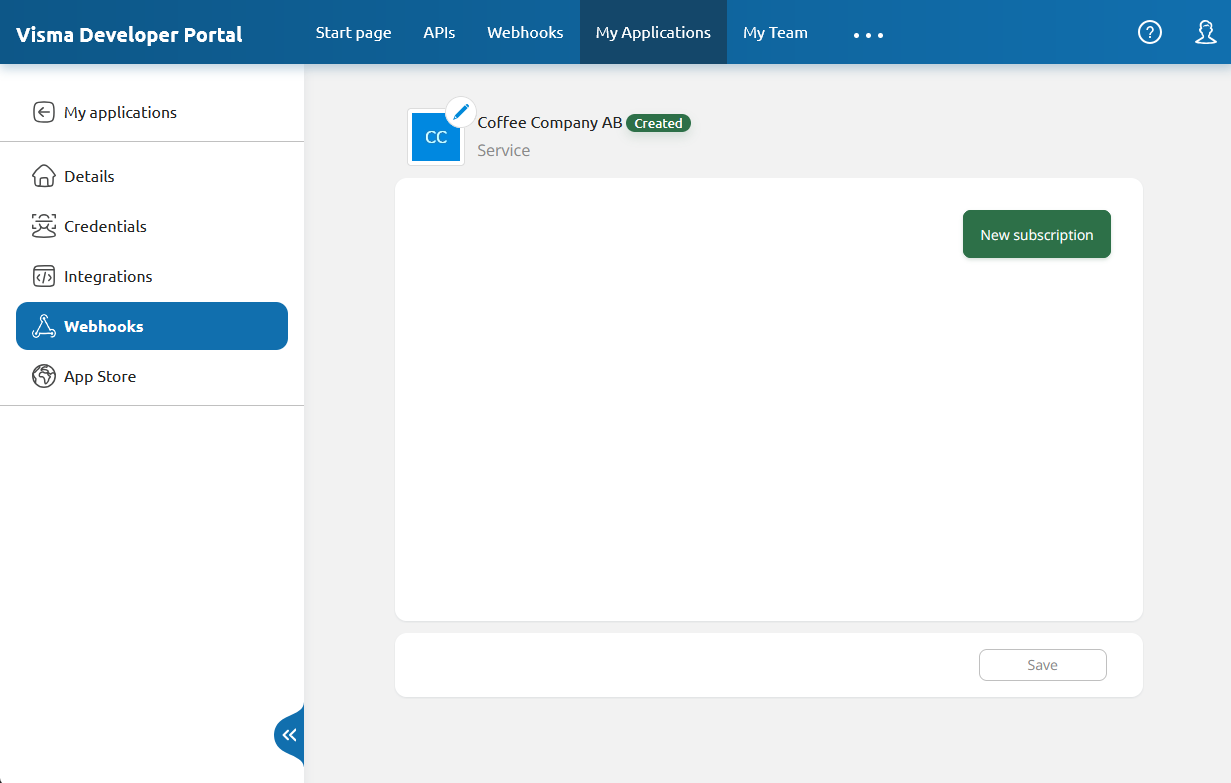
Once you have selected an application, go to "Webhooks" and click New subscription.
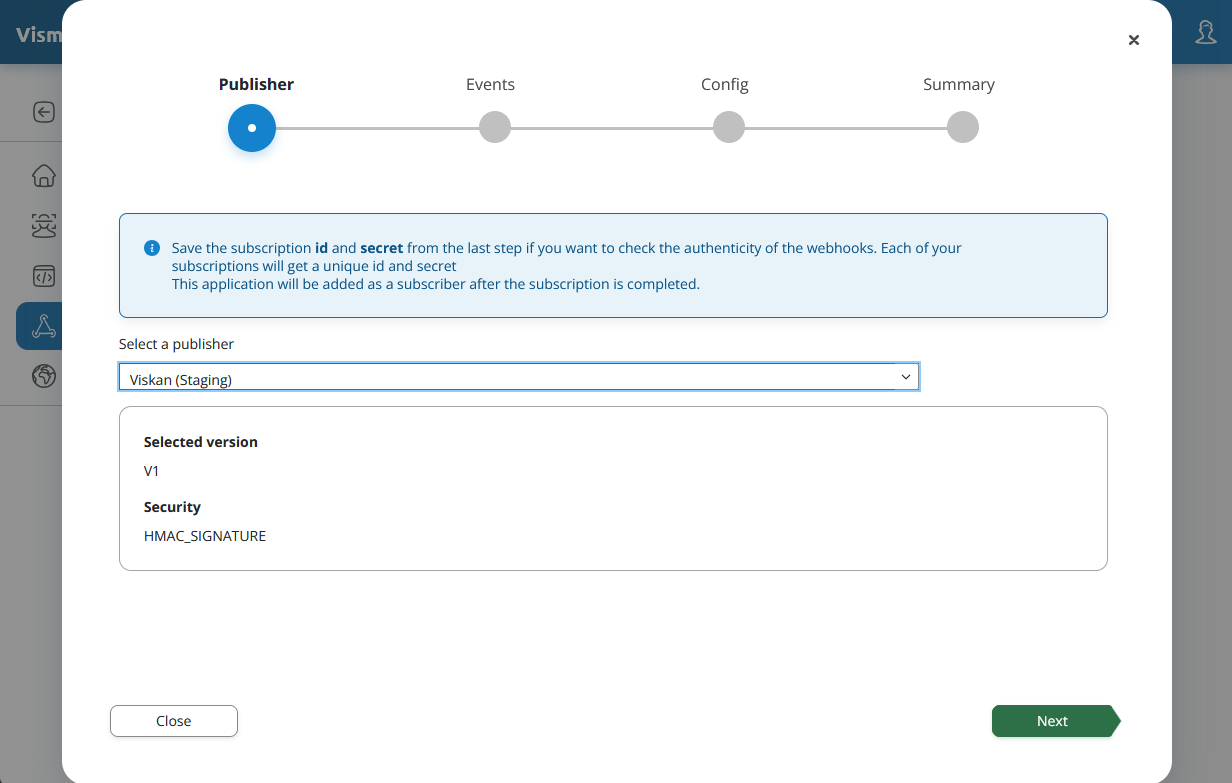
Select the Viskan publisher, and then click Next.
Select which events to subscribe to, and then click Next.

Configure your subscription - note that no tenant should be selected in this step - and then click Next.
Webhook URI: URI that will receive the webhooks.
Description: A description of your subscription.
Retry policy: The retry policy to use, see stopwatch icon tooltip for more info.
Retry attempts: Number of retry attempts.
Retry interval: The time interval for each attempt.
Tenant: Leave this empty.
Subscrpition is active: Whether the subscription is active.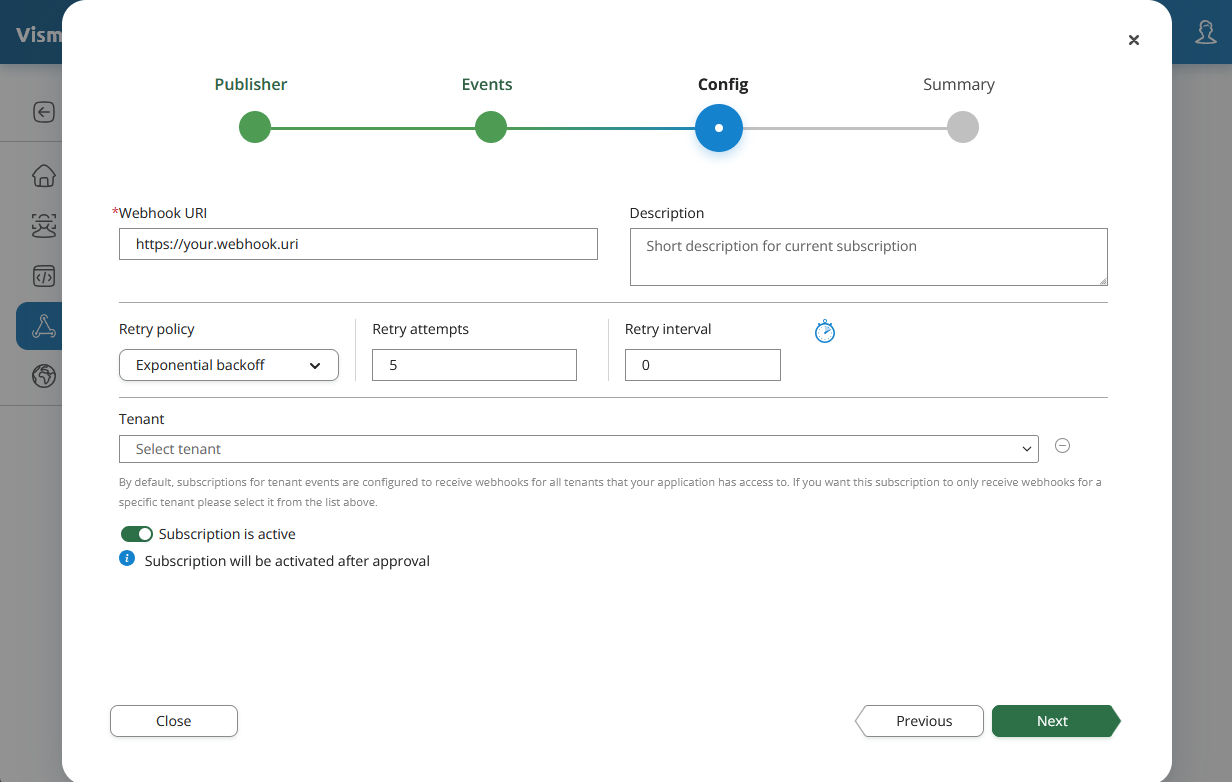
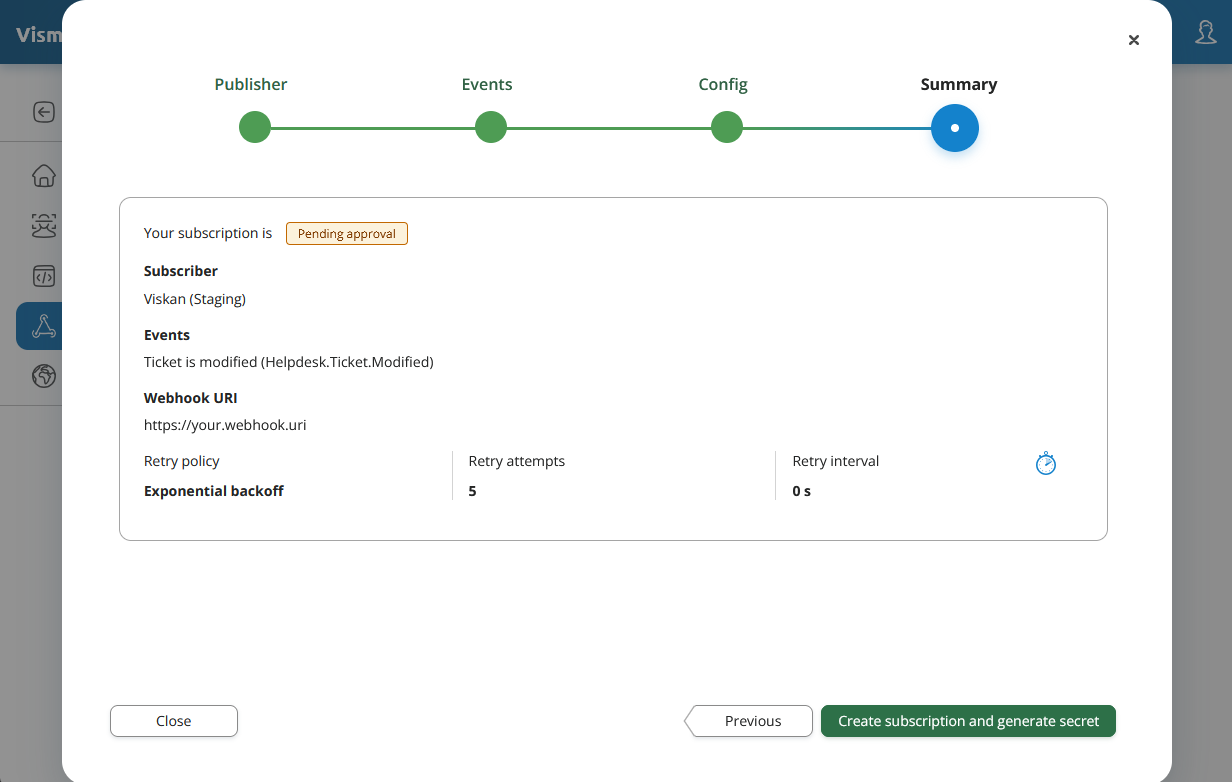
Make sure everything is correct in the summary, and then click Create subscription and generate secret.
Make sure to save the Subscription ID and Secret in a secure location.
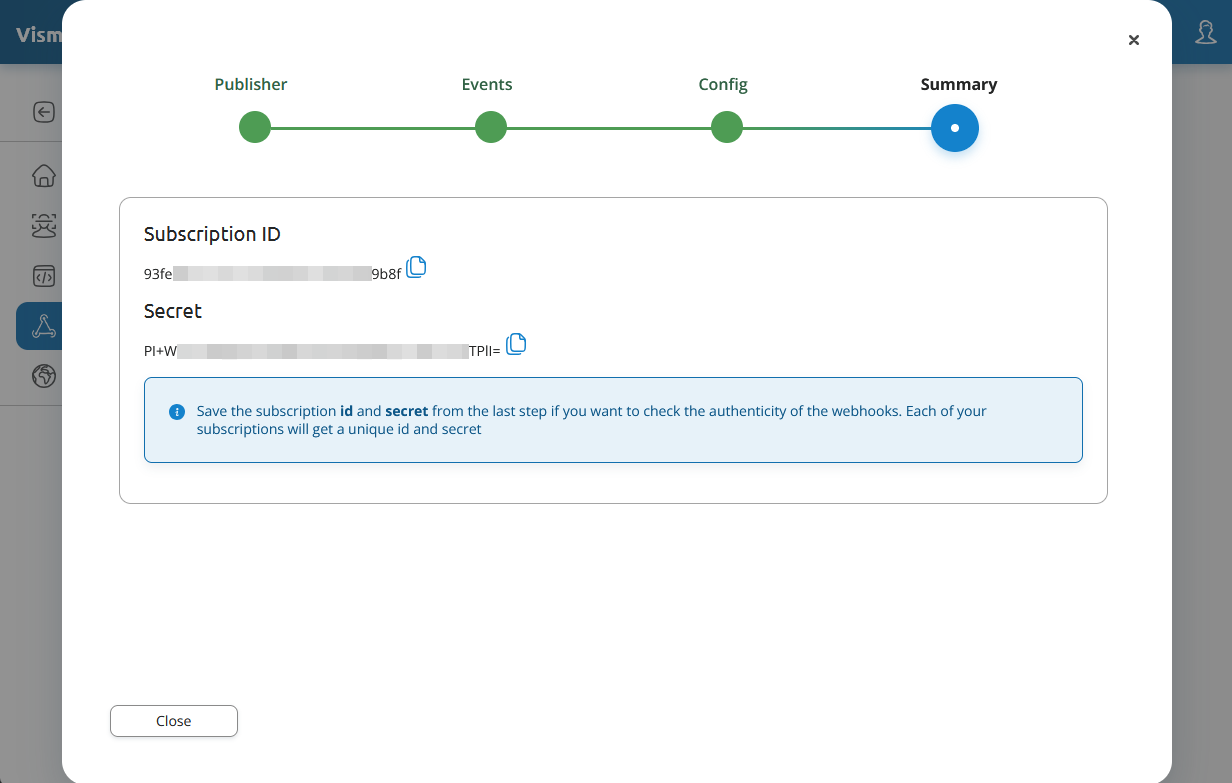
Congratulations - you have successfully set up a webhook subscription!
You should now see your Webhook subscription in the list of subscriptions, but it needs to be approved by Viskan before you can use it.