

Appearance
Sign up in Visma Developer Portal
Log in to Visma Developer Portal at https://oauth.developers.visma.com.
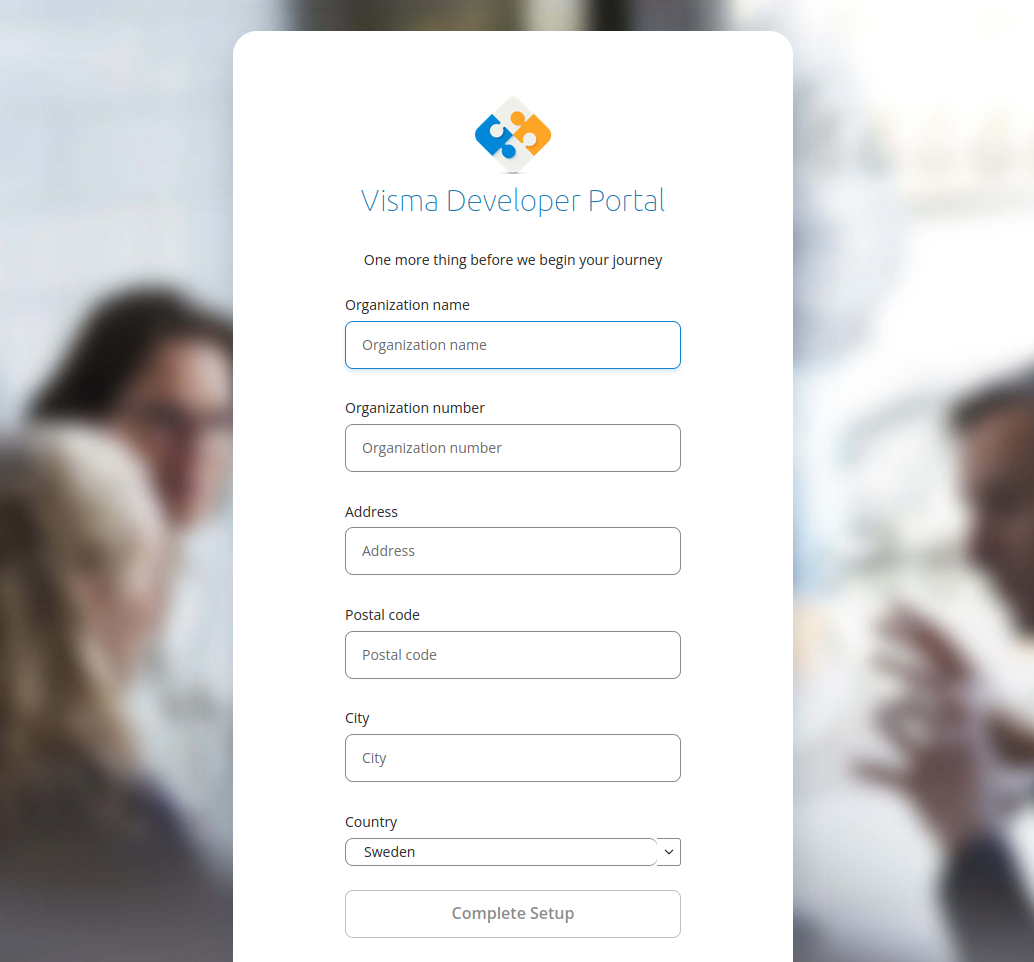
Or the staging environment at https://oauth.developers.stagaws.visma.com.Your user needs to be added to one or more teams in Visma Developer Portal to get access, if you are not part of a team you will be directed to the onboarding-page to onboard your company with Developer Portal. If you are part of a team you can skip this whole section and move on to "Create a new application".
Next you have to register the required information about your company. The organization number needs to be unique so if you get an error message that this is already registered, most likely someone else already registered your company and needs to add you as a member of the team. For more information about teams in Visma Developer Portal, you can read the guide "Managing your team in Visma Developer Portal".
On the Visma Developer Portal Start Page you will find links with useful information on how to get started with and use Visma Developer Portal. Visma Developer Portal has 5 main components visible in the top main menu.
APIs: Here you can find a list of all the Visma APIs that are available to use from within your application.
My Applications: This is where you register and maintain your applications.
My Team: This is where you manage your team, by adding team-members and managing roles.
Documentation: Here, you find documentation for the Visma Connect Authentication provider.
Visma App Store: Here, Viskan customers can log in to manage their API integrations.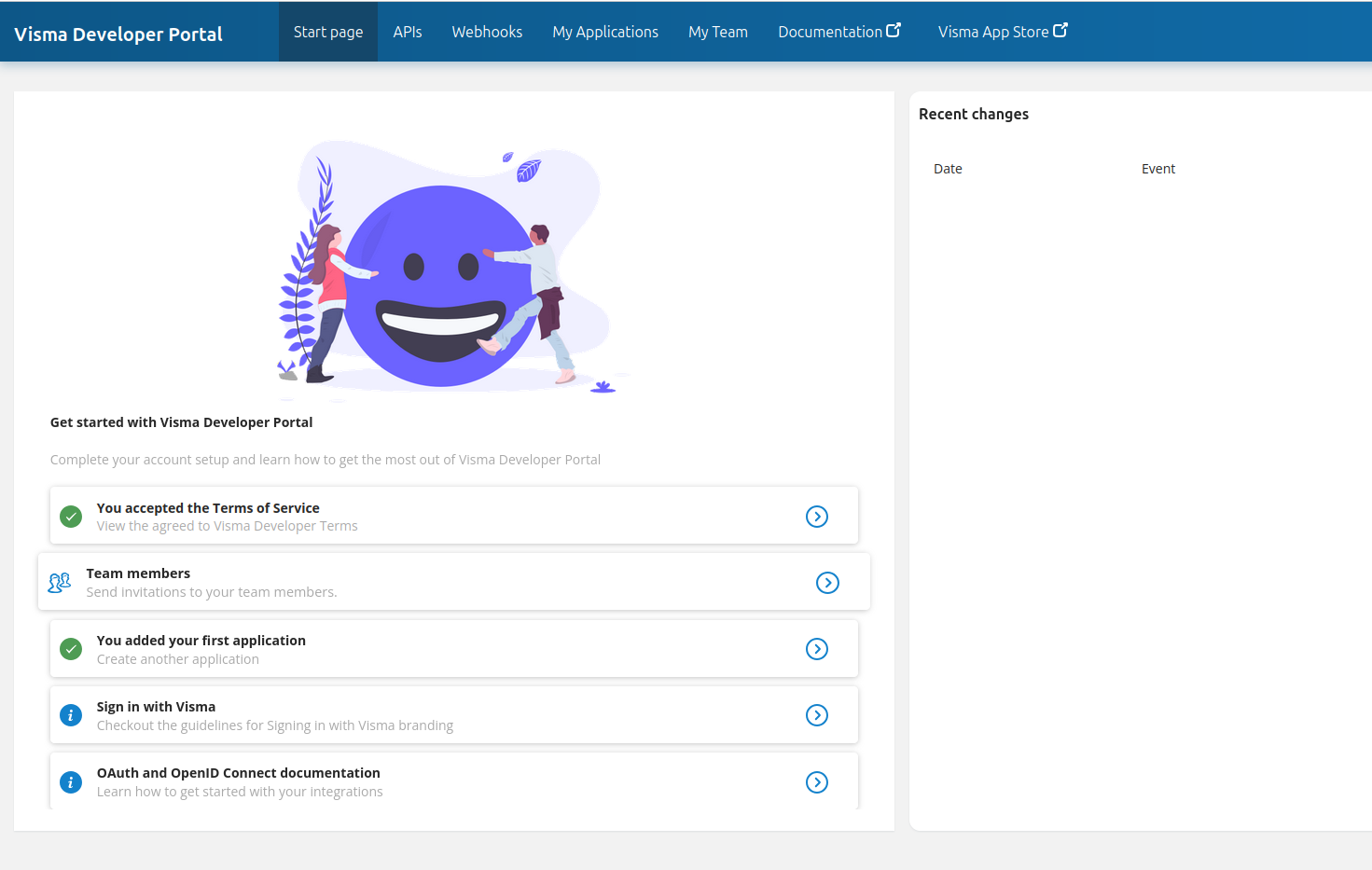
When you've gained access to the developer portal, you can proceed to the next step: "Create a new application".